
HANAVI — AI Video EditorHANAVI — AI Video Editor Download

/Features

Everything to edit and dub a film

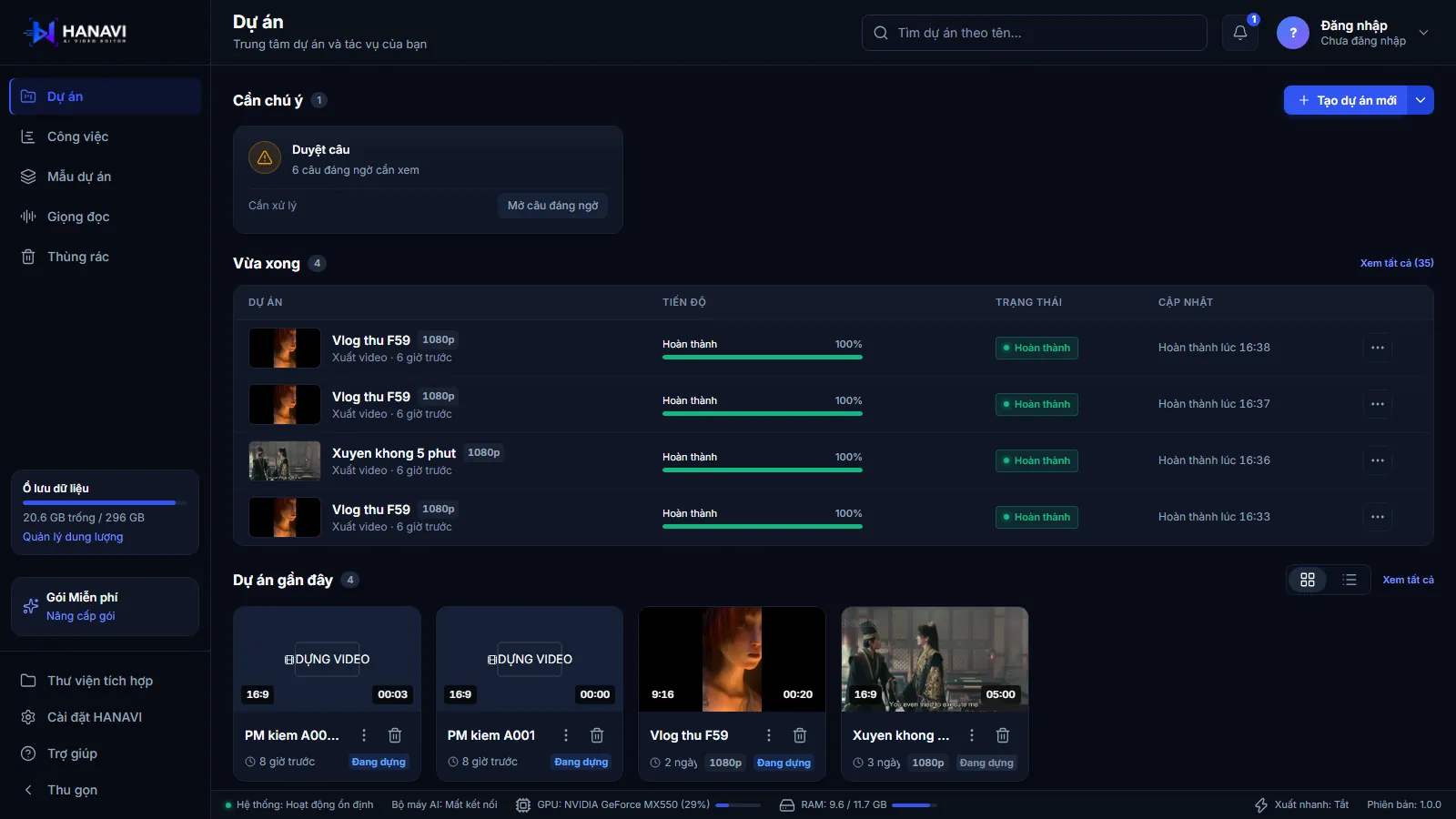
Two workspaces on one project: film translation for foreign films, video editing for vlogs and short videos, plus AI film summaries.

Film translation

Speech to textTranslate · cast · dub

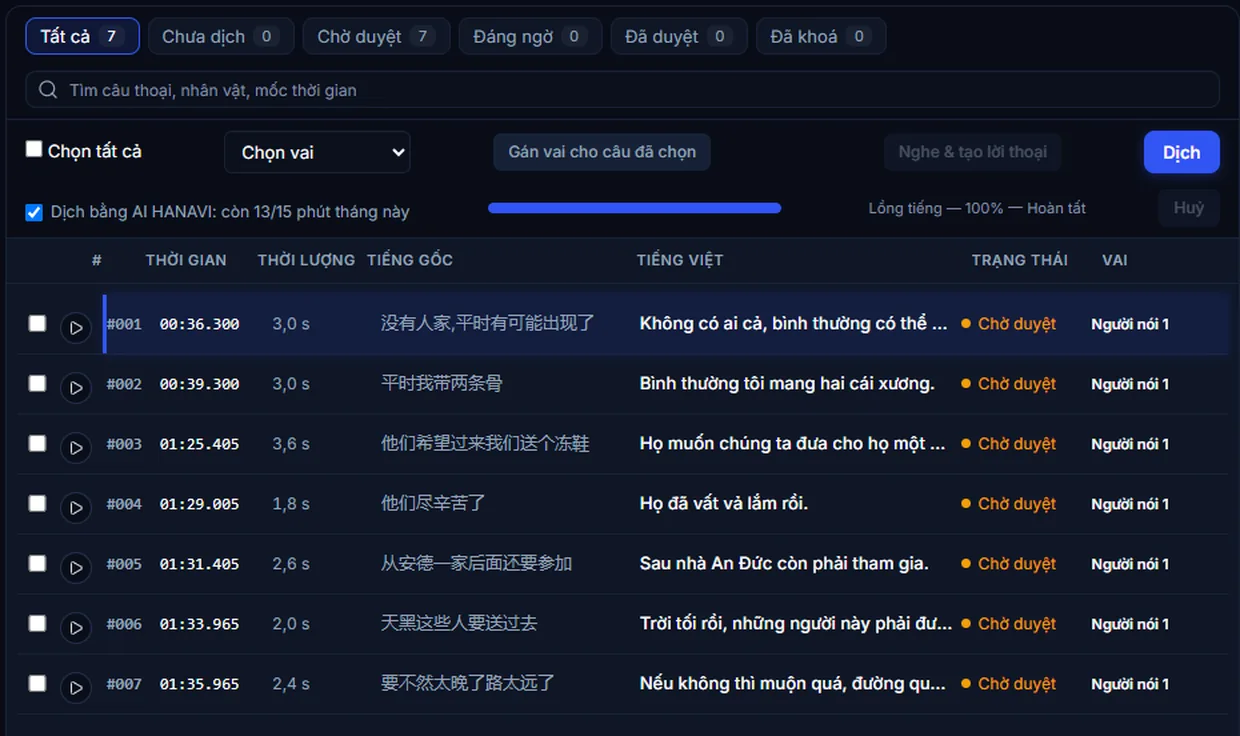
Import a film; HANAVI splits the dialogue into timed lines, translates into Vietnamese, detects speakers and suggests the cast. One Vietnamese voice per character, fitted to each line. Burned-in subtitles are blurred.
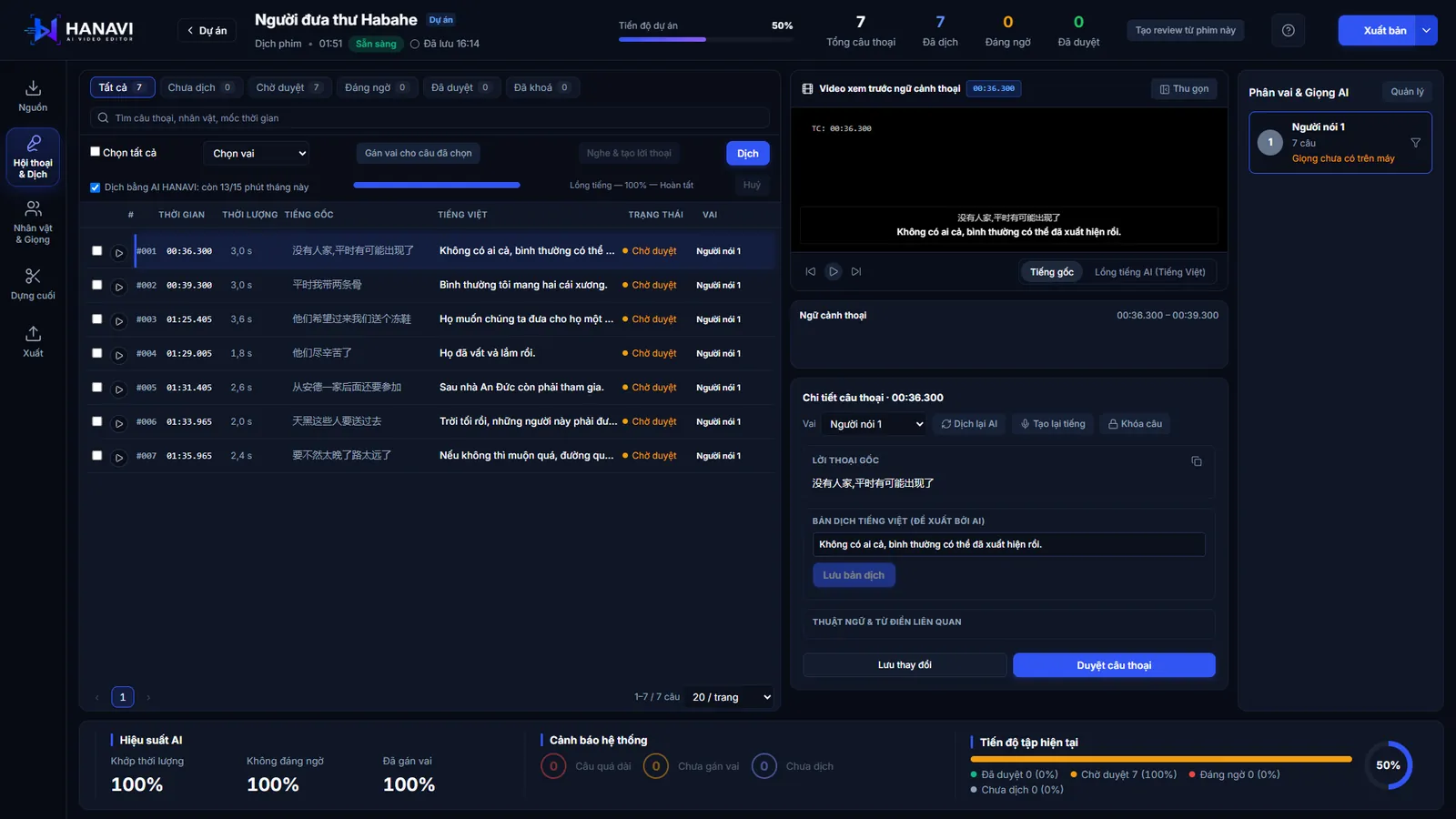
The Dialogue & Translation panel

Video editing

Many layersTitles · music · effects

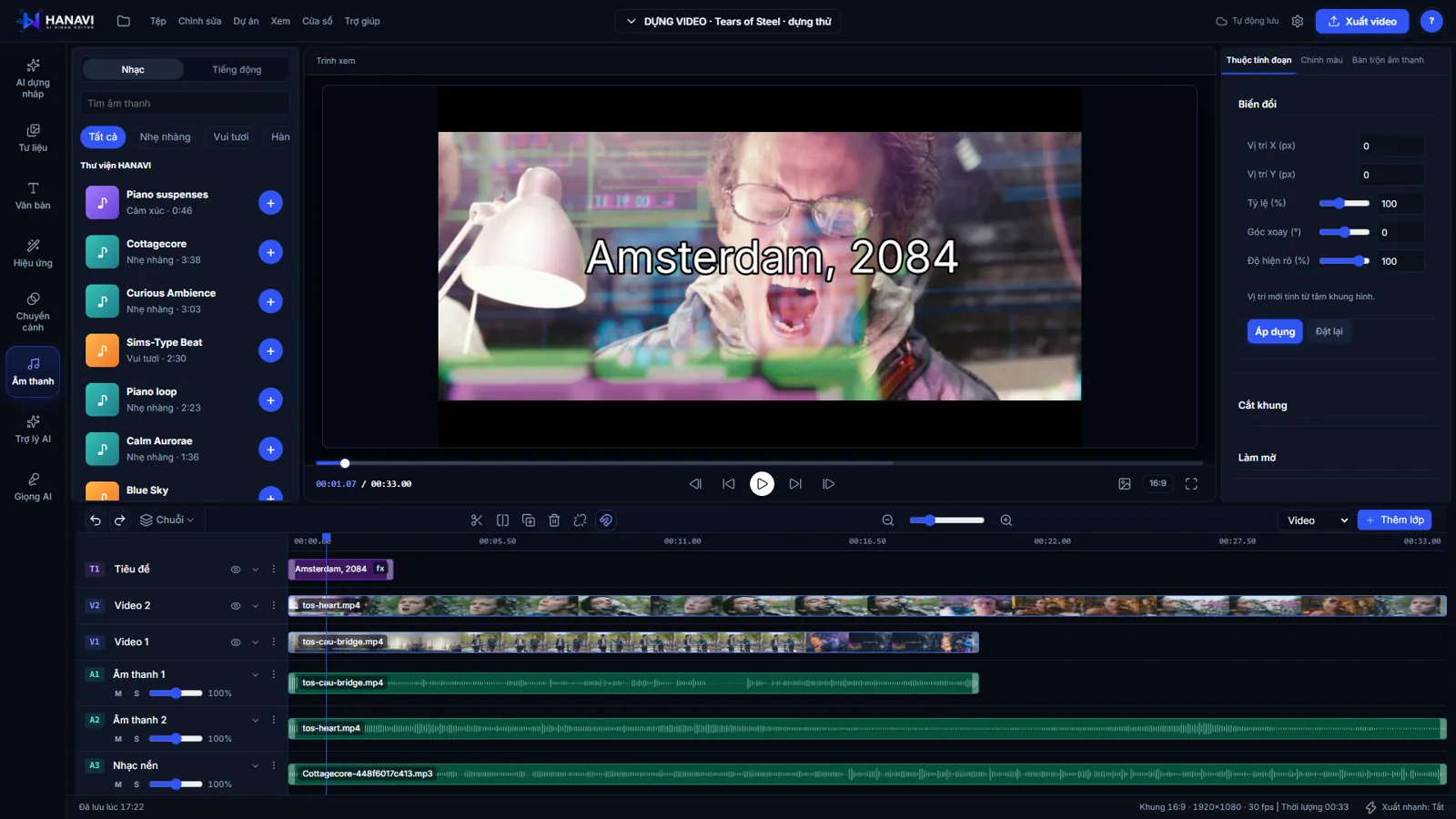
A timeline for video, images, titles, audio and effects. 12 title styles with diacritics, 25 animations, a library of music and sound effects. Cut, drag, change speed, unlimited undo.

The video editing screen

HANAVI AI

Film summaryAI vlog drafts

AI writes a summary that follows the film and cuts a review video with narration. For vlogs, pick clips and a style: AI cuts scenes, places titles, music and narration on the timeline for you to continue. Needs an account; uses credits, failed requests are refunded.

The translation panel in HANAVI

Integrated library

Download only what you useOn your PC

The 46 MB installer holds the app and its base. In the integrated library you download the video engine, speech to text, Vietnamese voices and on-device translation separately. Films, audio, subtitles and projects live in the folder you choose.

The integrated library: components and sizes

01 /Benefits

Faster, and you still decide the final cut

AI drafts

AI builds the draft, you edit it on the timeline.

HANAVI AI

Everything AI does lands on the timeline for you to change. Nothing is exported before you have seen it.

Start now
The multi-layer timeline in HANAVI

On your PC

Films and projects stay on your PC.

Private

Speech to text, voices and on-device translation work offline. Only what you choose to send to AI leaves your PC.

Start now
The integrated library in HANAVI

Export for the platform

1080p, 4K or vertical 9:16, from the same project.

Export

1080p for YouTube and Facebook, 9:16 for short videos, 4K with Pro. Subtitles burned in or as a separate file.

Start now
The export screen

02 /Video editing

A timeline with enough layers, titles and music

Many layers, free cutting

Stack video, images, titles, audio and effects. Cut, drag, change speed from 0.25x to 4x. Unlimited undo.

The video editing screen: a title, two video layers, background music

Title styles with Vietnamese diacritics

12 title styles with previews, outline, shadow, glow, text background and 25 in, out and loop animations.

The title style panel in HANAVI

Export for the platform

1080p for YouTube and Facebook, vertical 9:16 for short videos, 4K with Pro. Subtitles burned in or as a separate file.

The export screen: quality and destination

Tears of Steel frames © Blender Foundation | mango.blender.org, CC BY 3.0.

03 /Q&A

Frequently asked questions

What does my PC need?

Windows 10 or 11, 64-bit. Processing time depends on the film and your PC. The integrated library lets you download only the parts you use.

Do I have to install every AI part?

No. The installer holds the app and its base. In the integrated library you download only what you need: the video engine, speech to text, voices, on-device translation.

Do I need an internet connection?

Editing and dubbing with on-device voices work offline. Translation through HANAVI's server, film summaries and AI drafts need a connection and an account.

Where are my films and projects?

On your PC, in the folder you choose. Only what you send to AI leaves it.

Windows warns me during install?

The installer is not code-signed yet, so Windows may ask. Click “More info”, then “Run anyway”. The installer comes from hanavi.vn and updates itself inside the app.

More questions?Contact us

Final /Start

Try HANAVI with your own film

Download, open a film, hear the first dub in minutes.

Download HANAVI for Windows